
Use Pre-Recorded YouTube Broadcasts More Effectively
A pre-recorded live broadcast can turn an approved video library into a continuous program. Its value is operational: content can remain available without a creator manually replaying files or keeping a local encoder online.
Start with a clear viewer need
Choose a format people may reasonably join at different points. Ambient channels, structured lesson blocks, conference replays, podcasts and curated demonstrations can work when each segment remains understandable on its own.
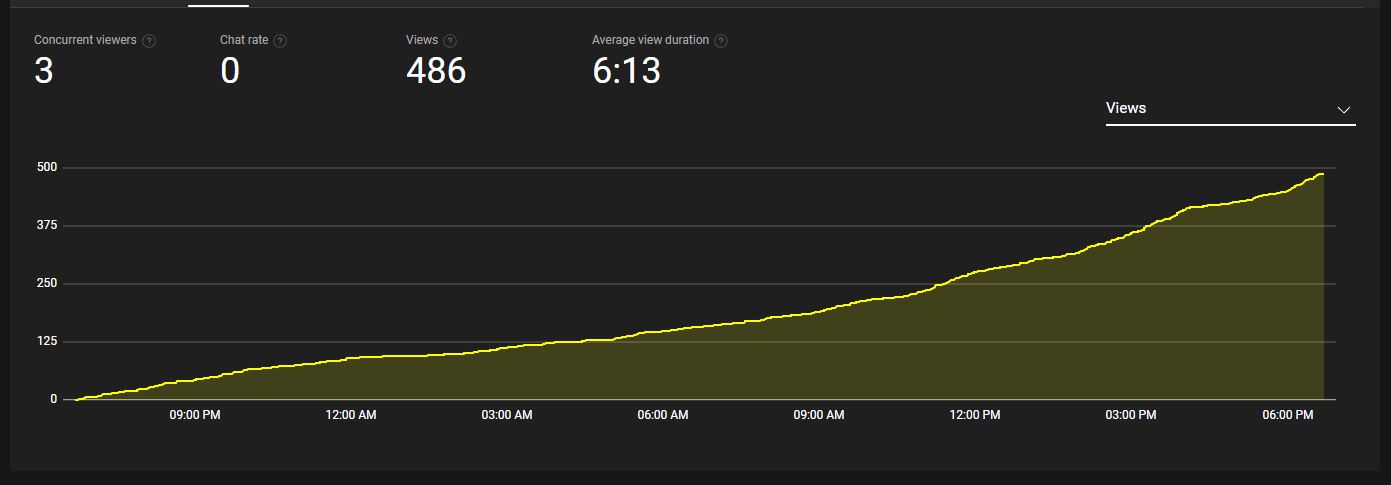
Do not assume that a longer stream will automatically create longer viewing sessions. Test different playlist lengths and topics, then use the destination platform's own reports in a separate review process to understand how viewers respond.
Recommendations are not guaranteed
YouTube recommendations depend on many signals, including viewer satisfaction, topic, packaging, channel history and individual viewing patterns. Marking a pre-recorded program as live does not guarantee distribution or preferential treatment.
Use titles and thumbnails that describe the actual program. Avoid promising a real-time host, breaking event or interactive response if the content is a replay.
Monetization depends on YouTube
Looping Stream provides broadcasting infrastructure; it does not approve channels for monetization, select ads or control revenue. Eligibility depends on YouTube's current rules and on the originality, rights and value of the content.
Do not forecast earnings by multiplying a small example into a large audience. Ad availability, geography, seasonality, niche, viewer behavior and platform enforcement can all change the result.
Practical production checklist
- Curate the playlist: remove outdated or repetitive segments that do not help the viewer.
- Normalize playback: check resolution, frame rate and audio levels before launch.
- Describe it accurately: disclose that the program uses pre-recorded material where viewers could otherwise be confused.
- Protect rights: use only video, music and graphics you own or are authorized to broadcast.
- Monitor the destination: watch stream health, copyright notices and policy warnings.
Cloud operation without a dedicated PC
Looping Stream can play an uploaded video or playlist through a compatible RTMP destination from a remote server. Your browser and computer do not have to remain open after the broadcast starts.
That reduces production overhead, but audience growth and earnings remain uncertain and outside the product's control. Use the free trial to evaluate the workflow itself.