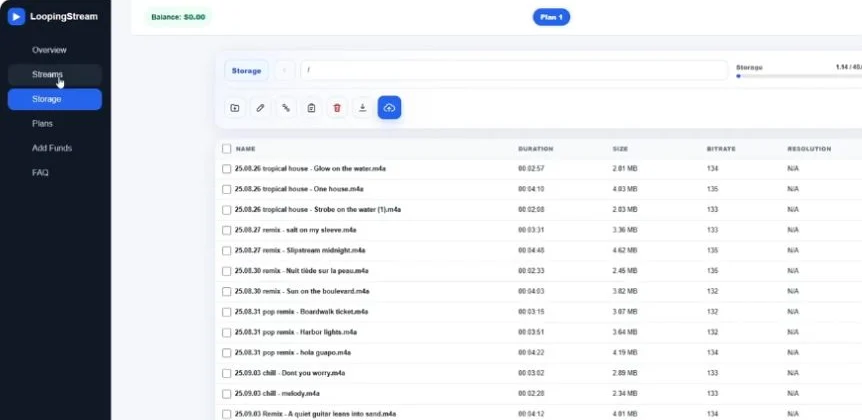
A simpler streaming workflow
Store your media securely, arrange it in the order you need and start a continuous broadcast from one dashboard.
 Looping Stream
Cloud live streaming
Upload your videos, build a playlist and broadcast continuously to YouTube and other RTMP platforms without keeping your computer online.
$0 · 7 days · 24 hours total · Free for new users
How it works
See how to launch a broadcast with Looping Stream, using YouTube as an example.
Add your own videos or audio files to cloud storage. Compatible files can be optimized for the selected streaming preset without a separate processing fee.
Choose one file or arrange multiple videos in order, then add the RTMP destination and stream key provided by YouTube or another supported platform.
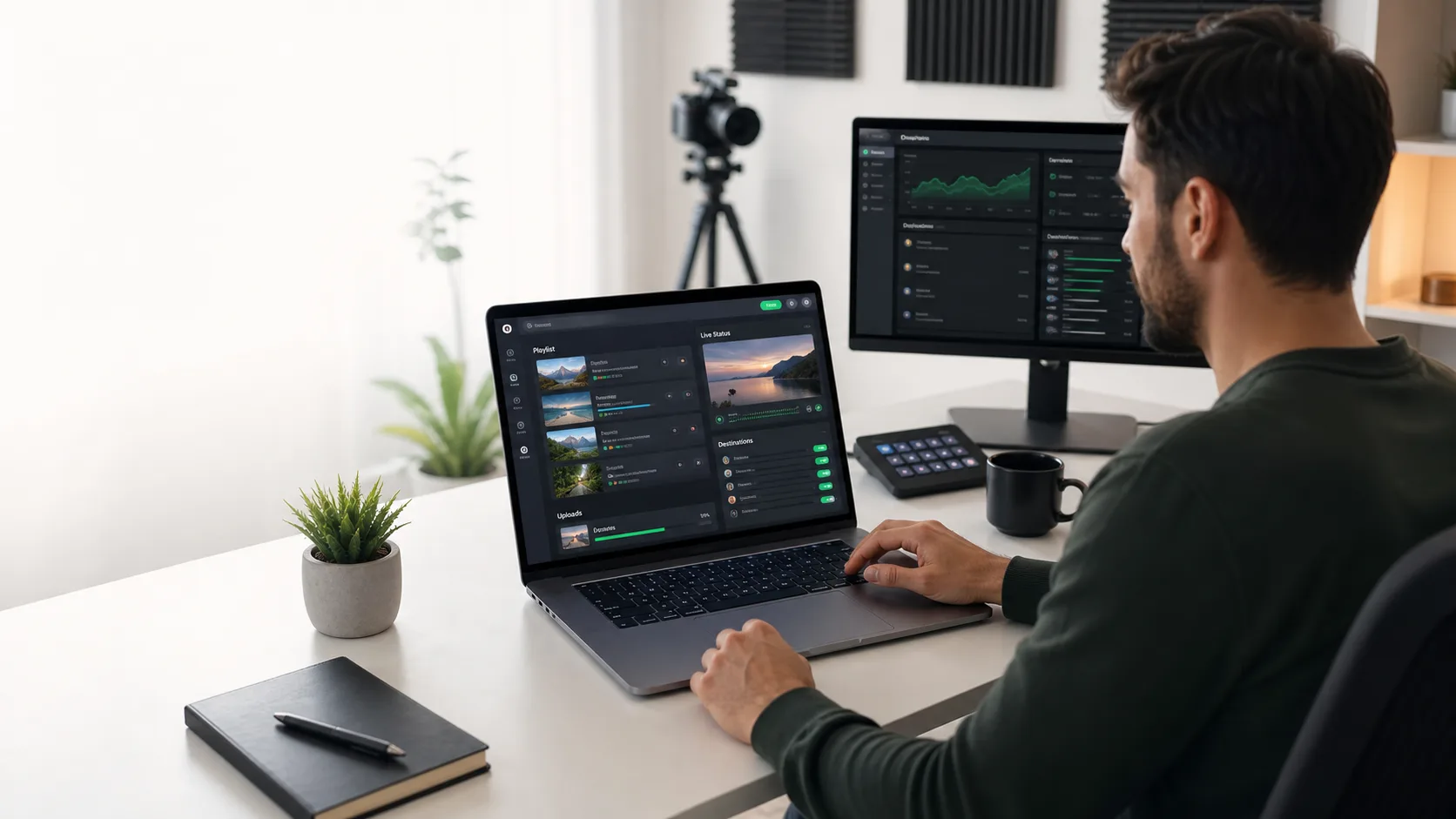
Start the broadcast from the dashboard. The cloud worker sends the stream continuously, so OBS and your personal computer do not need to remain online.
Store your media securely, arrange it in the order you need and start a continuous broadcast from one dashboard.
Cloud workers handle playback and reconnect logic so your broadcast can continue while your computer is turned off.
Start with a free trial, then choose storage and simultaneous stream limits that match your channel.
Connect your YouTube stream key, select media from cloud storage and launch a continuous broadcast.
Learn moreYour browser is used to configure the broadcast; the actual video stream runs on managed servers.
Learn more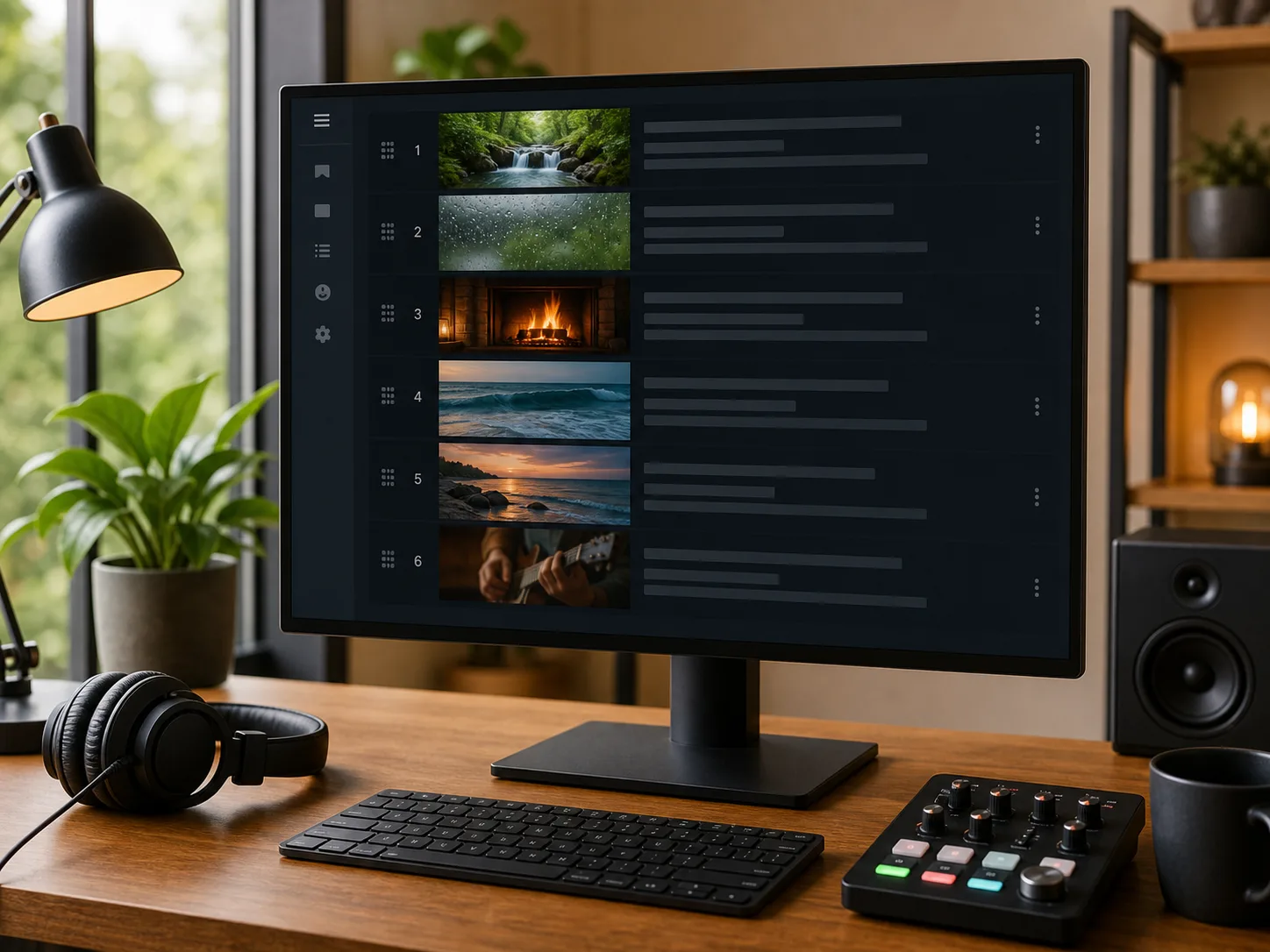
Use cases
Continuous streaming is useful when the program is prepared in advance and should remain available for viewers across time zones. Always use media that you own or are authorized to broadcast.
Run authorized music, nature sounds, meditation, study or relaxation programming as a continuous YouTube live stream.
Repeat lessons, conference recordings, product training and educational playlists for an international audience.
Turn recorded interviews, discussions and audio-first programs into an always-on video stream.
Broadcast approved event replays, product demonstrations and branded video playlists without operating a local encoder.
Cloud instead of a dedicated PC
OBS is excellent for interactive live production. For a long-running stream made entirely from prepared files, a cloud service can remove the need for a dedicated computer, constant local upload bandwidth and manual restarts.
Frequently asked questions
No. After the broadcast is configured and started, the stream runs from cloud infrastructure. Your computer is only needed to manage files and settings through the dashboard.
Yes. You can use the RTMP stream key created in YouTube Studio. You are responsible for configuring the YouTube event and following YouTube policies, including rules about repetitive content and copyrighted media.
Yes. You can create a playlist from uploaded files and arrange the playback order. The playlist can repeat continuously for an always-on stream.
Media optimization is included with the service. Files are prepared using the selected preset when processing is required for stable streaming.
The service can work with destinations that provide compatible RTMP server details and a stream key. Availability can depend on the platform and selected configuration.
No internet service can promise zero interruptions. The system is designed for long-running broadcasts and recovery from temporary errors, while platform outages, invalid keys or source-file problems can still stop a stream.
New users receive 7 days from their first sign-in, with 24 hours of streaming in total, 1 GB of storage and one simultaneous stream. No card is required. Use the 24 hours in one continuous stream or across several sessions within those 7 days. Uploading files and time while the stream is stopped do not use the allowance. Starting, reconnecting and restarting a stream do not reset it. Streaming stops when the hours run out or the 7 days end, whichever comes first. Previously issued trials keep their original limits.
Start with a free trial and bring your playlist to life.