YouTube Premiere or a prerecorded live stream: which fits your video?
Compare YouTube Premiere with a live stream from recorded files. Choose a format for a release, webinar replay or repeating programme, and plan the ending.
Read article Looping Stream
Streaming knowledge
Practical articles about YouTube, OBS, playlists and continuous cloud broadcasting.
Featured guide
Learn LoopingStream: upload files, choose Standard or AV, start manually or schedule the calendar, configure YouTube, and reuse templates and repeats.
Read article
Compare YouTube Premiere with a live stream from recorded files. Choose a format for a release, webinar replay or repeating programme, and plan the ending.
Read article
Build a repeating program from recorded videos: choose a theme, arrange the running order, handle transitions and test the moment the playlist starts again.
Read article
Prepare a recorded presentation for a scheduled YouTube broadcast, explain the replay format, handle questions in chat and close the event with a usable recording.
Read article
Turn a recorded podcast episode into a YouTube listening event: prepare the video, explain the format, host the chat, and keep podcast distribution separate.
Read article
Read concurrent viewers, watch time and traffic sources for a prerecorded YouTube stream, then use one controlled change to plan the next broadcast.
Read article
Plan the replay of a prerecorded YouTube broadcast around the 12-hour archive limit, keep source files, and verify the recording after the stream ends.
Read article
Run chat alongside prerecorded YouTube live video: set expectations, assign moderators, pin one useful message, use slow mode and handle the end of a shift.
Read article
Choose rewind and delay settings for recorded lessons, background streams and chat sessions. Test the viewer experience and separate DVR from your archive plan.
Read article
Prepare prerecorded YouTube live video when files include licensed material. Check the Content ID allowlist, plan a replacement and distinguish live warnings from archive claims.
Read article
Learn what makes 9:16 live different, which content formats fit, what successful vertical creators teach us, and how to launch from the cloud.
Read article
Create an always-on music station with a short looping visual, a separate audio playlist, licensed tracks and cloud broadcasting.
Read article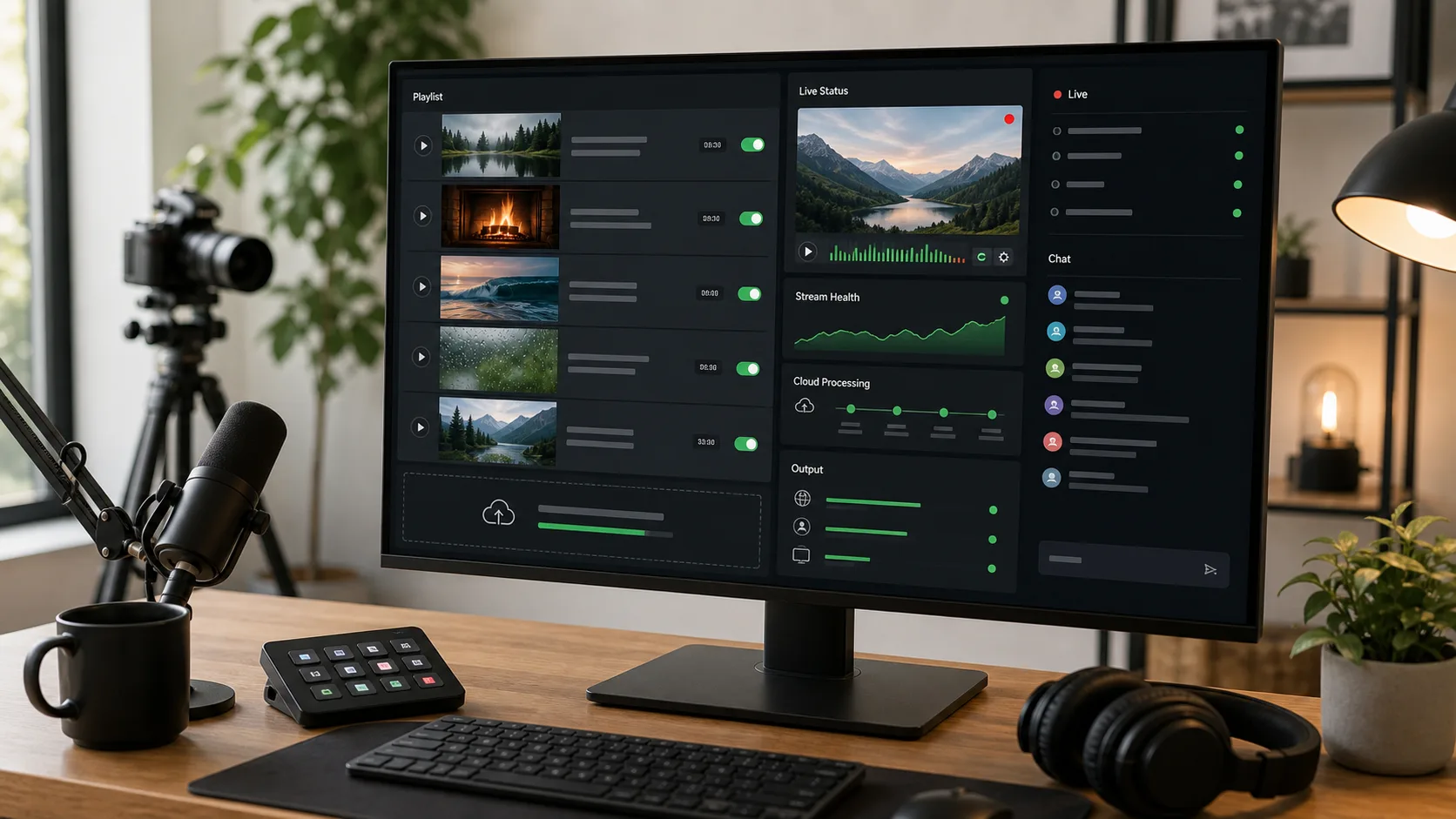
Follow a practical setup for continuous YouTube broadcasting with cloud playlists or OBS, including encoder settings and reliability checks.
Read article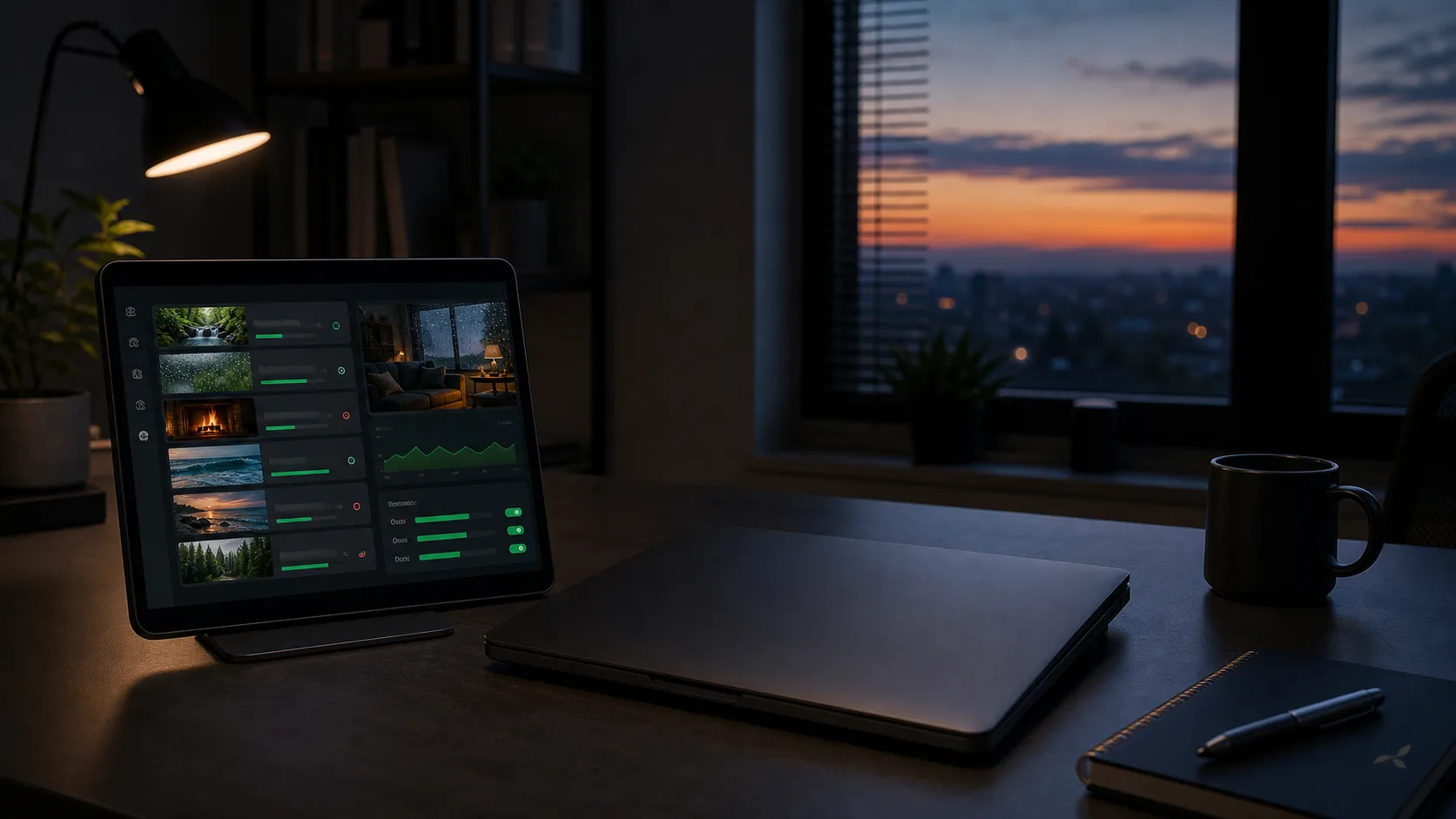
Learn how a cloud encoder keeps pre-recorded content live after your browser closes and your computer is switched off.
Read article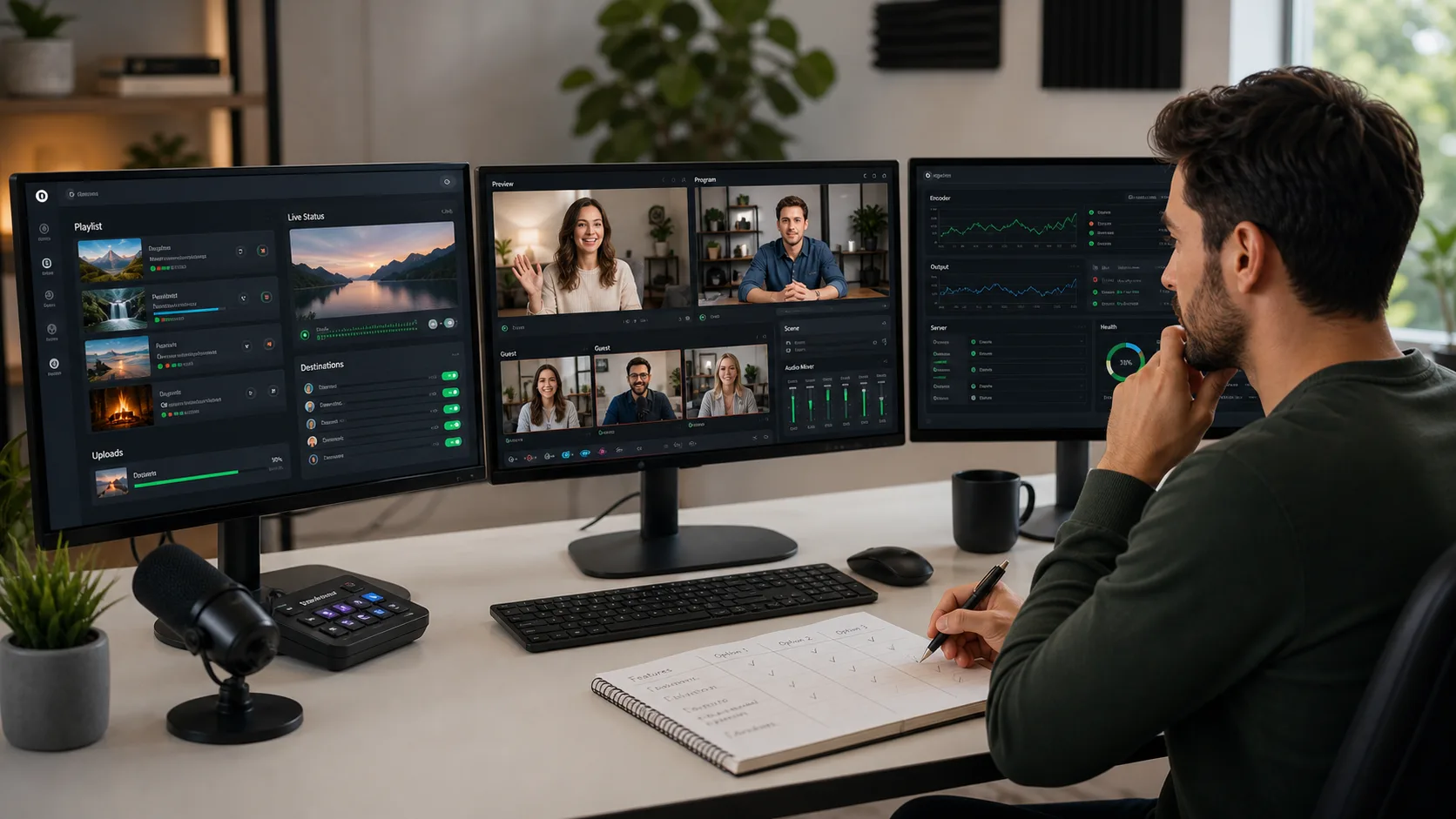
Compare Looping Stream, OBS, self-hosted FFmpeg, Gyre and scheduled multistreaming tools for real production needs.
Read article
Learn how a continuous pre-recorded live stream works and when cloud broadcasting is a better fit than a dedicated streaming computer.
Read article
Configure a looping media source in OBS and compare the local workflow with an automated cloud stream.
Read article
Explore responsible ways to reuse your own video library as continuous programming for your audience.
Read article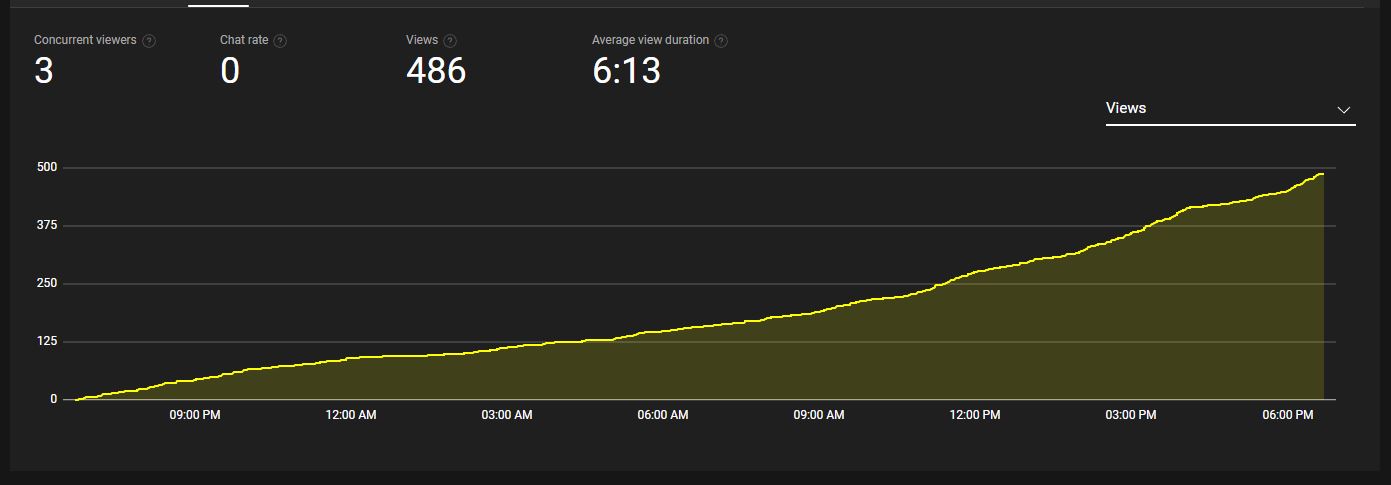
Plan useful long-form programming while keeping audience expectations and platform policies in mind.
Read article
Use audience-focused content and accurate packaging without treating recommendations as a guaranteed outcome.
Read article