
Why licensed content can still stop your YouTube live stream
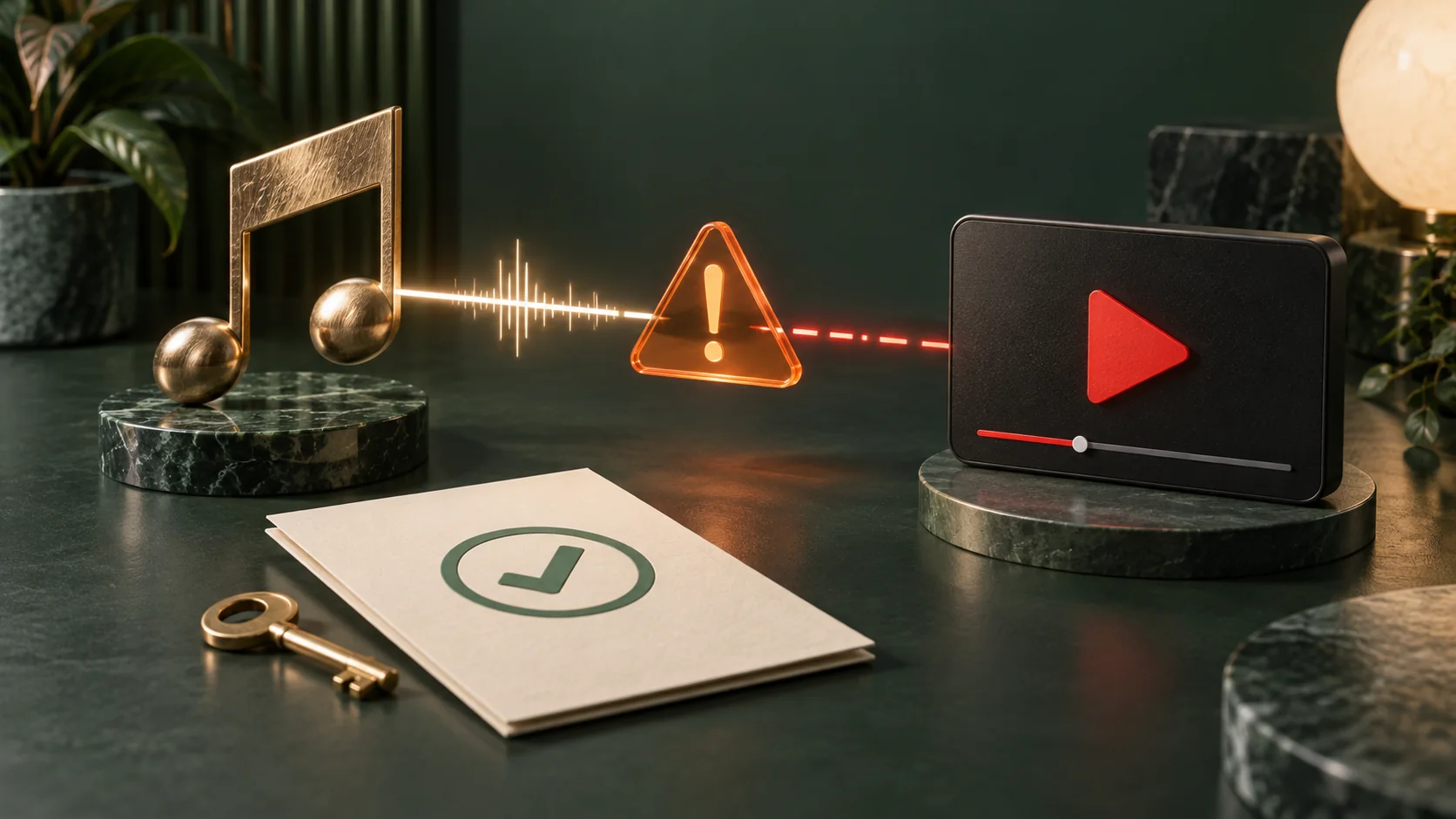
You bought the music licence. The video is finished. During the broadcast, YouTube replaces the picture with a warning. A receipt in your folder does not tell the live system that this channel has permission. For recorded programmes, the useful preparation happens before the playlist starts: identify the material, contact the owner and prepare a response.
Permission and detection are separate questions
YouTube scans live streams for third-party content. Its Help page says a live stream can be interrupted even when that content has been licensed. Copyright during live streams.
Treat the licence as one part of your preparation, not a stream-health indicator. Keep the agreement, the exact track or clip name and the contact who supplied it together. When a problem appears, “we bought some music” is harder to investigate than a specific item and document.
Ask the rights holder about the channel
For licensed third-party material, YouTube tells creators to ask the content owner to add their channel to the owner’s Content ID allowlist. Territory restrictions alone do not prevent interruption when the channel is absent from that list. Copyright during live streams.
Send the channel URL, the material you intend to use and the planned broadcast dates. Ask who manages Content ID for that material and request confirmation about the channel. A shop receipt and an allowlist confirmation answer different questions. Resolve this before advertising the event; do not wait for the stream to stop.
A message to send the rights holder
Use this request before the event: “We plan to broadcast [track or clip] on [channel URL/ID] on [dates], including [repeats or continuous use]. Our licence reference is [reference]. Does it cover this use and the replay? Who manages Content ID for this material? Can that manager add this channel to the Content ID allowlist and confirm when it is active?” Replace the fields and retain the reply. If channel allowlisting is unavailable, arrange other material rather than treating a receipt as clearance by YouTube.
Check the edges of each file
The main lesson may be your own work while its opening music is someone else’s. Review intros, credits, transition clips and background audio. For a playlist, make a small register: filename, third-party material, licence document, rights-holder contact and allowlist status.
Check the exported video, not only the editing project. An old outro can survive in a finished file. Repeated across a loop, the same overlooked segment returns every time.
Prepare a replacement you can actually send
Keep a version without the disputed material and a fallback clip whose permissions you have checked. Decide how you will remove an affected file from the programme. Write the steps down while nobody is waiting.
Run a short rehearsal of stopping and replacing the programme in Looping Stream. That checks your controls and sequence; it does not prove that future scans will accept every file. Tell the person monitoring YouTube where the replacement is stored.
Read the notice before restarting
When YouTube identifies third-party content, it may display a placeholder and warn you to stop using it. The stream can be interrupted or terminated if that material remains. If streaming stops, YouTube says to check Studio for strikes. Copyright during live streams.
Save the notice, time and filename in your incident notes. Address the identified material rather than sending the same loop again. Check both the programme source and YouTube Studio. Restarting an encoder does not explain a copyright notice. Contact the rights holder with the details you gathered; avoid guessing which clip was responsible.
Check the archive as a separate step
YouTube says Content ID claims on an archived live stream are made after the live stream finishes. An interruption during the broadcast and a claim on its archive are separate events. Copyright during live streams.
After the event, inspect the archive and its notices in Studio. Keep that result alongside the live incident log. A broadcast that finished does not settle every question about its recording. Preserve your source files and documents so the next run starts from evidence rather than memory.
Reddit example: royalty-free music, interrupted stream
A Reddit user (2025-04-05) reported a stream interruption while playing tracks described as royalty-free. Reddit discussion.
The report is not a verified finding about those tracks’ licences. YouTube confirms that licensed material can still interrupt a live stream and directs creators to the rights holder’s Content ID allowlist. Check the specific licence and channel status. A test upload without a claim is not proof that a later live broadcast will be accepted. Copyright during live streams.
Questions
Does paying for a licence guarantee an uninterrupted live stream?
No. Check the channel’s allowlist status with the rights holder and plan how to respond to a notice.
Will a rehearsal prove the playlist is safe from detection?
No. Use it to test your programme and replacement procedure, not as a promise about future scans.
Should I just restart after a copyright warning?
Read the notice and address the material first. Keep the details needed to investigate with the rights holder.
Sources
Related guides
- How to Use Looping Stream: Upload a Video and Start on YouTube
- How to plan a YouTube live playlist people can join halfway through
- YouTube Live archives and the 12-hour limit: plan before streaming
Try your first playlist
Upload a short file, connect your YouTube event and check the watch page before building a longer programme.
Open Looping Stream